Last updated: October 2026 | By Kashif Mehmood, Founder, Gemdeveloper Digital Solutions
Yes, you can build a working website without a developer — WordPress, Wix, and Squarespace all make that genuinely possible now. What most guides skip is the honest part: a DIY site usually works on day one and starts costing you in month three, once speed, SEO, or security gaps show up. Here’s the real step-by-step, and where the line actually sits between doing it yourself and hiring someone.
TL;DR — DIY vs. Hiring a Developer
| Option | Typical Cost | Typical Time | Best For |
|---|---|---|---|
| DIY WordPress | $50–100/year | 8–12 hours | Blogs, portfolios, simple business sites |
| Wix / Squarespace | $150–300/year | 4–6 hours | Very simple sites, no technical ambition |
| Hire a developer | $500–2,000+ | 1–2 weeks | Ecommerce, custom features, sites that need to scale |
Step 1: Choose the Right Platform
WordPress currently powers around 40% of all websites globally, according to W3Techs — making it the most widely used platform by a wide margin, though its share has actually dipped slightly from a 2025 peak as competitors like Wix and Shopify pick up some of the simplest-site segment. For most small businesses, WordPress is still the practical choice: it’s free, highly flexible, and backed by tens of thousands of plugins and themes. Wix and Squarespace are easier to start with, but they lock your content into their platform — moving away later is painful if you outgrow them.
For most beginners, WordPress with budget hosting (Hostinger, Namecheap, and similar providers typically run $3–5/month) is the more durable starting point.
Step 2: Buy a Domain and Hosting
A domain (yourwebsite.com) typically runs $10–12/year. Hosting — where the site actually lives — usually runs $36–60/year for a small business site. Buying both from the same provider avoids DNS configuration headaches later, though it’s not strictly required.
Step 3: Install and Customize
Most hosting panels offer a 1-click WordPress install. From there, pick a well-maintained free theme (Astra and Kadence are both solid, lightweight choices) and customize colors, logo, and page layout — no coding required for a basic setup. For a more deliberate, security-conscious install than the 1-click default, our WordPress installation guide walks through the proper setup.
Step 4: Add Real Content
Start with the essentials: Home, About, Services, Blog, and Contact. Write content that actually helps a visitor understand what you do and why they should trust you — not filler written to hit a word count. One or two relevant images per page is usually enough.
Step 5: Set Up Basic SEO
Install an SEO plugin (RankMath and Yoast are both free, well-maintained options) and set title tags, meta descriptions, and a sitemap from the start. Most of a page’s clicks go to whatever ranks on the first page of results — so skipping SEO entirely isn’t a neutral choice; it’s choosing not to be found.
Step 6: Update and Maintain It
Update WordPress core, your theme, and plugins regularly — outdated software is the single most common way small sites get compromised. Back up on a regular schedule, and periodically check for broken links as content grows.
Step 7: Set Up Basic Analytics
Install Google Analytics (or a privacy-focused alternative), so decisions about what to add or change are based on how people actually use the site, not guesswork.
The Real Downsides of DIY
- It takes longer than it looks. A first attempt commonly takes considerably longer than someone experienced would need for the same result — and the first attempt is rarely the cleanest one.
- Templates limit how distinct the site looks. Free themes are built to work for everyone, which means they rarely make a business stand out.
- Small mistakes hurt credibility. Slow load times, inconsistent fonts, and mobile display issues are common in first-attempt DIY sites, and visitors notice them even when they can’t name the problem.
- Technical SEO basics get missed. Things like proper heading structure, image optimization, and indexability are easy to overlook without specific knowledge of what to check.
- Security needs ongoing attention. Outdated plugins and themes are one of the most common ways small WordPress sites get compromised — a DIY site needs the same maintenance discipline as any other.
- There’s no one to call when it breaks. Troubleshooting a DIY site at an inconvenient hour is a real cost that’s easy to underestimate upfront.
When Hiring a Developer Actually Makes Sense
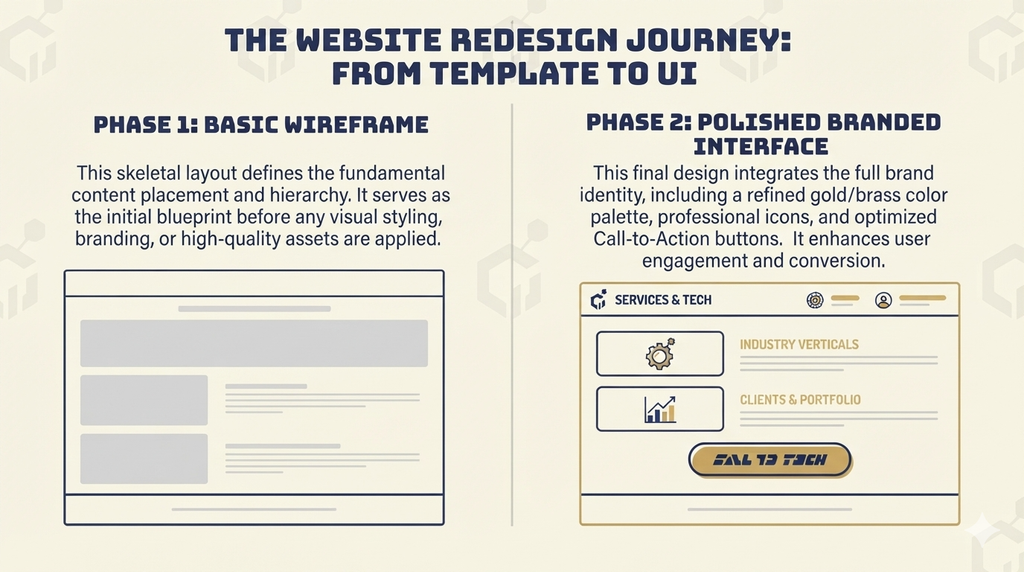
DIY works well for straightforward sites — a portfolio, a basic business presence, a blog. It stops making sense once a project needs ecommerce functionality, custom booking or membership systems, load times fast enough to compete seriously, or once the time a DIY build would take is worth more than the cost of hiring someone to do it properly.
FAQ
What’s the cheapest way to start? WordPress with budget hosting is typically the lowest-cost route to a working site, often under $100 for the first year.
Can I switch from Wix to WordPress later? Yes, but migrating content and redesigning around a new platform is genuinely more work than starting on WordPress in the first place if there’s any chance the site will grow.